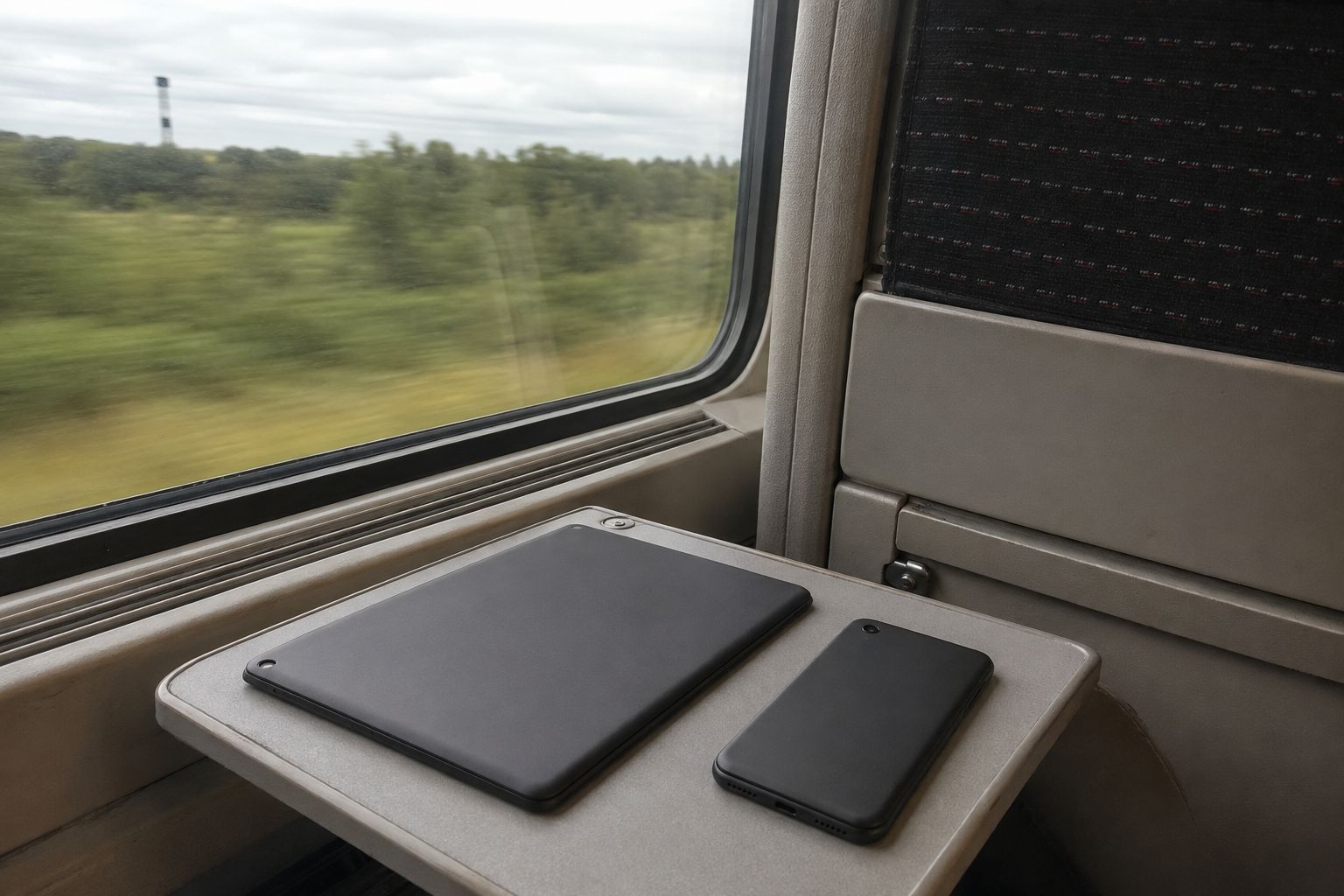
Two lines on one device is genuinely useful and mildly confusing. Here is what each device actually does.
Most travel eSIM guidance assumes one phone with one extra line. A good deal of actual travel involves a tablet as well, or a phone that handles two lines in a way its owner has never fully understood.
This is the version for those devices.
iPads
Cellular iPads take an eSIM and work much as a phone does, with one difference that matters: an iPad has no voice line, so there is nothing to lose. You add the travel plan, it carries data, and that is the whole arrangement.
Two practical notes. Wi-Fi-only iPads cannot take an eSIM at all, and a great many people do not know which model they have — check before you buy a plan for it. And if you already have your phone connected, sharing the phone’s connection to the iPad is often simpler than a second plan, unless you want the tablet working independently.
Dual-SIM Android phones
Most recent Android phones support one physical SIM and one eSIM, some support two eSIMs, and a handful support neither. The terminology varies by manufacturer, which is the main source of confusion.
What you are configuring, once the travel plan is added, is which line does what:
Mobile data — set to the travel plan.
Calls — leave on your usual number.
SMS — leave on your usual number, because that is where verification codes will arrive.
Set those three and the phone behaves the way you want: cheap data, your own number still ringing. The setting is usually under SIM management or dual-SIM settings, and the exact path varies by manufacturer.
THE SETTING PEOPLE GET WRONG
There is usually an option along the lines of "switch data automatically" or "smart data switching", which lets the phone fall back to the other line if the preferred one has no signal.
On a travel plan, turn this off. Otherwise a moment of poor coverage sends your data to your home network at roaming rates — quietly, with no notification, and it may not switch back.
This is the single most common cause of an unexpected roaming charge on a trip where someone did everything else right.
Foldables
Foldables are ordinary Android phones for these purposes and behave the same way. The only quirk worth knowing is that some models have their SIM settings in a slightly different place because the interface adapts to the folded and unfolded states, so if you cannot find the menu, unfold the device and look again.
iPhones with two lines
Recent iPhones handle two lines and let you label them, which is worth doing — "Travel" and your network name is clearer than two identical entries. The same three settings apply: data on the travel line, calls and messages on your usual number.
iPhones also have an automatic data switching option, and the same advice applies: turn it off while travelling.
Two eSIMs on one device
Some phones hold several eSIM profiles and let you activate one or two at a time. This is useful for frequent travellers — you can keep last trip’s plan stored and set up the next one without removing anything.
The limit is on how many can be active simultaneously, not how many can be stored, and those two numbers are different on most devices. If a new plan will not activate, the usual reason is that the active limit is reached rather than anything wrong with the plan.
Watches
Worth stating clearly because it is a common question: a cellular smartwatch works by sharing your phone number through your own network, under an arrangement between your network and the watch. A travel data eSIM is a separate data line and does not do this.
So a travel plan will not give a watch its own connection. The watch will work as normal alongside your phone, over Bluetooth or Wi-Fi, and its cellular function stays with your home network.
The general rule
Whatever the device, the arrangement you want is the same: data on the travel line, your identity — calls and messages — on your usual line, and automatic switching off so the phone does not make that decision for you.