Public Wi-Fi abroad is less dangerous than it was ten years ago and more annoying than it should be. Both of those are worth understanding.
There is a genre of article about the terrifying dangers of hotel Wi-Fi, and most of it is a decade out of date. There is also a real set of things worth knowing, which is smaller and more mundane than the scary version.
This is the mundane version.
What actually changed
Almost everything you do on a phone or laptop is now encrypted in transit. Websites, messaging apps, email clients — the connection between your device and the service is scrambled, and someone watching the network sees that you connected to something, not what you did there.
This is why the classic warning — someone on the same network reading your passwords — is mostly obsolete. It was a real problem when much of the web was unencrypted. It is not the main risk now.
What is still worth caring about
The network that is not the hotel
Anyone can create a wireless network and call it whatever they like, including something that looks exactly like the hotel’s. Connect to that, and your traffic goes through someone else’s equipment first. Encryption still protects the contents, but they can see where you go, and they control what you see when you go somewhere that is not encrypted properly.
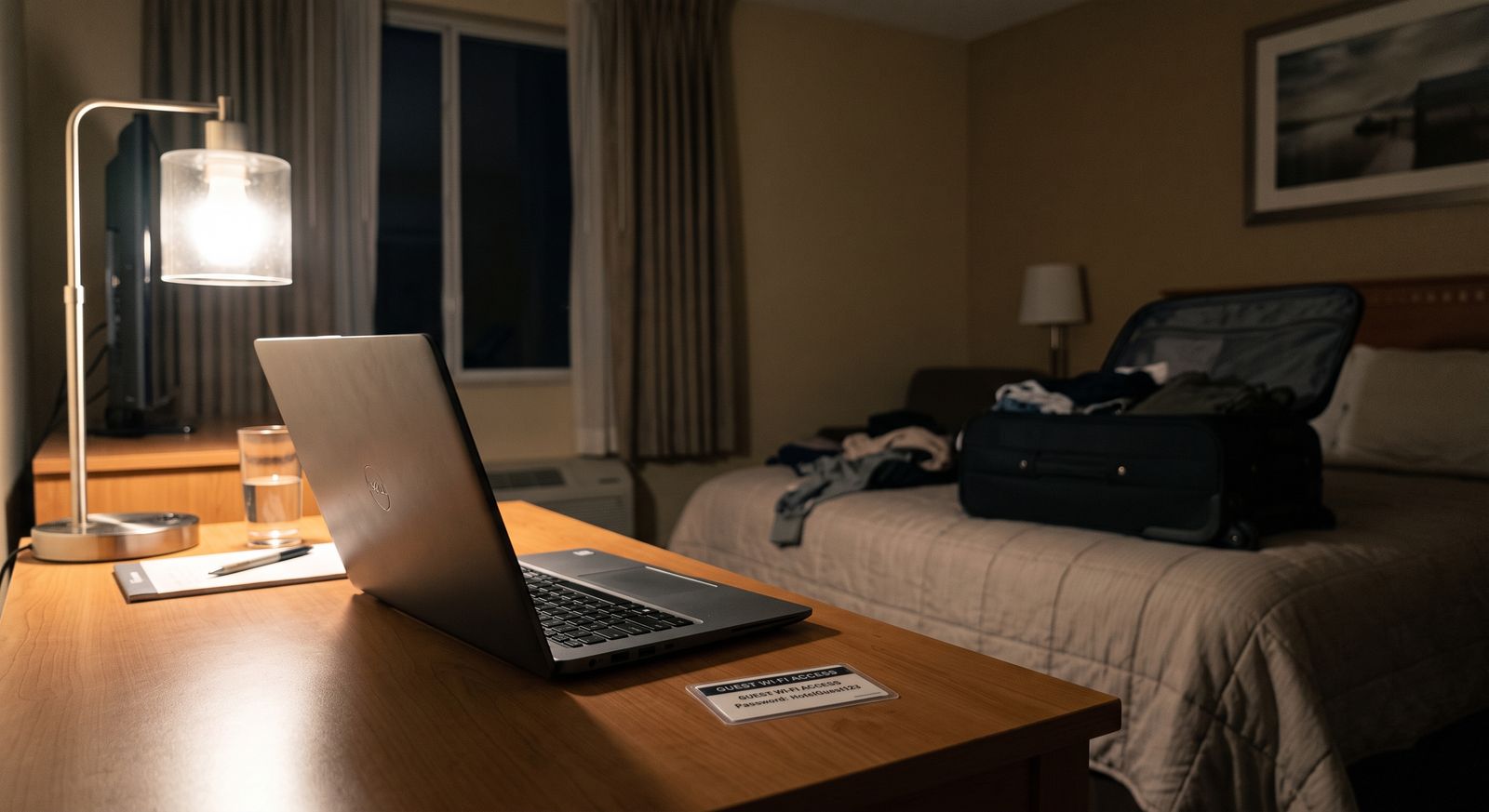
The practical defence is unglamorous: ask at reception what the network is actually called, rather than picking the one that looks right.
The captive portal
The page that asks for your email address before letting you online. This is rarely a security risk and frequently a data one — you are giving a marketing list your address in exchange for access you already paid for as part of the room.
It is also where the real annoyance lives. Captive portals break badly on phones, sometimes fail to appear at all, and are the single most common reason hotel Wi-Fi does not work when you need it.
Things that are not encrypted
A small number of older sites and services still are not, and some apps handle certificates carelessly. You cannot easily tell which. This is a minor risk on a good day and a real one if you are doing something sensitive.
THE PRACTICAL RULES
Ask what the network is called rather than guessing from the list.
Do not do banking or anything financially sensitive on a network you did not choose, if you have an alternative.
If a page warns you about a certificate, stop — do not click through. On a public network that warning is meaningful.
Keep your device updated before you travel. This does more than anything on this list.
Where your own connection comes in
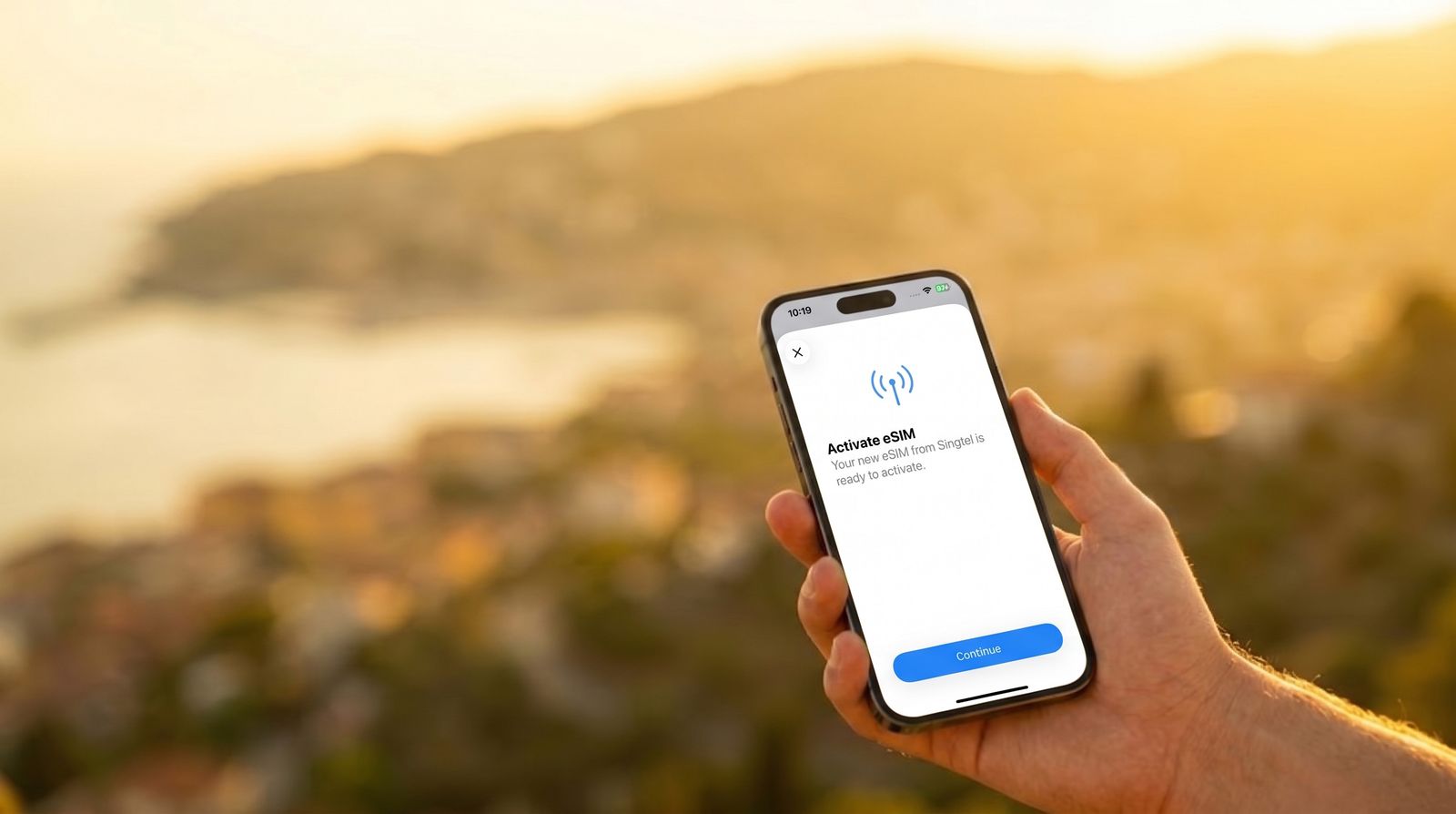
A mobile data connection is a private link between your device and the network operator. Nobody in the hotel is on it with you, there is no portal, and there is no network to impersonate.
That makes it the straightforward answer for anything sensitive, and for the moments when hotel Wi-Fi is simply not working — which, in practice, is the more common reason people use it.
We sell mobile data, so treat that paragraph with the scepticism it deserves. The honest version: hotel Wi-Fi is fine for most things, most of the time, and having your own connection is useful for the exceptions and the failures rather than because the Wi-Fi is dangerous.
On VPNs
A VPN encrypts your traffic between your device and the VPN provider, which means the hotel network sees less. This is genuinely useful if you have specific reasons to want it.
It is not a magic shield, it moves your trust from the hotel network to the VPN provider rather than removing the need to trust anyone, and a free VPN is a business that has to make money somehow. If you use one, use one you pay for.
The short version
Hotel Wi-Fi is not the threat it was. Use it for ordinary things. Check the network name with reception, keep your device updated, do not click through certificate warnings, and use your own connection for anything you would rather not do on someone else’s equipment — or for the fairly frequent occasions when the hotel Wi-Fi simply does not work.